Most people never open Settings, and then they ask why the agent forgot what they told it
More often than not the answer is a switch that was never turned on. There are six that matter before the call. You do them once. Everything else in Settings we handle with you on the call, or it gets its own step in this track.
What you do before the call
Open Settings.
Click your name at the bottom left of the sidebar, then Settings. Confirm your plan reads Max under Account.
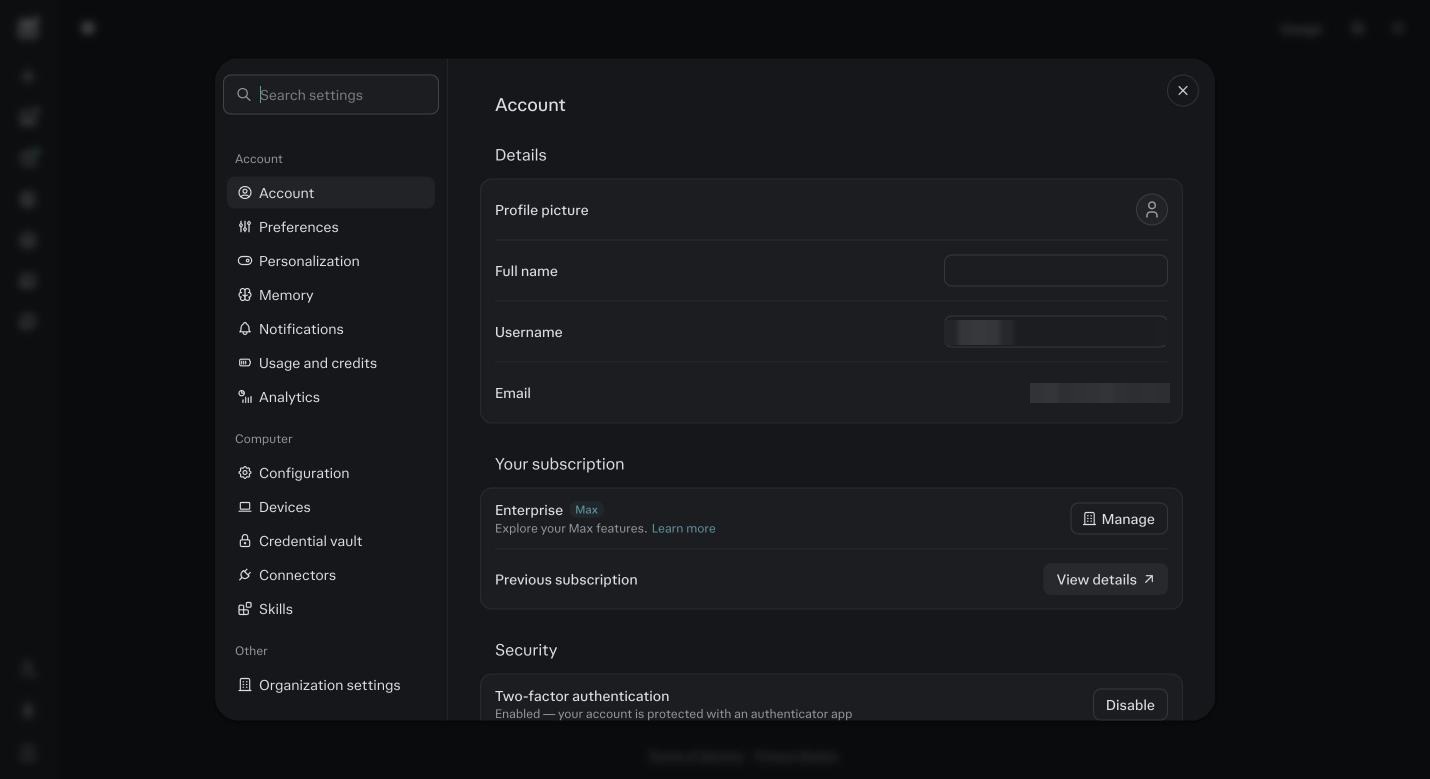
Settings, then Account. Your subscription should read Max. Click Memory.
Turn on every switch in the Memory group. Then turn on every switch in the Brain group: Brain, skill improvement, use connectors. If you do not see a Brain group yet, it is rolling out to Max accounts. Come back in a few days.
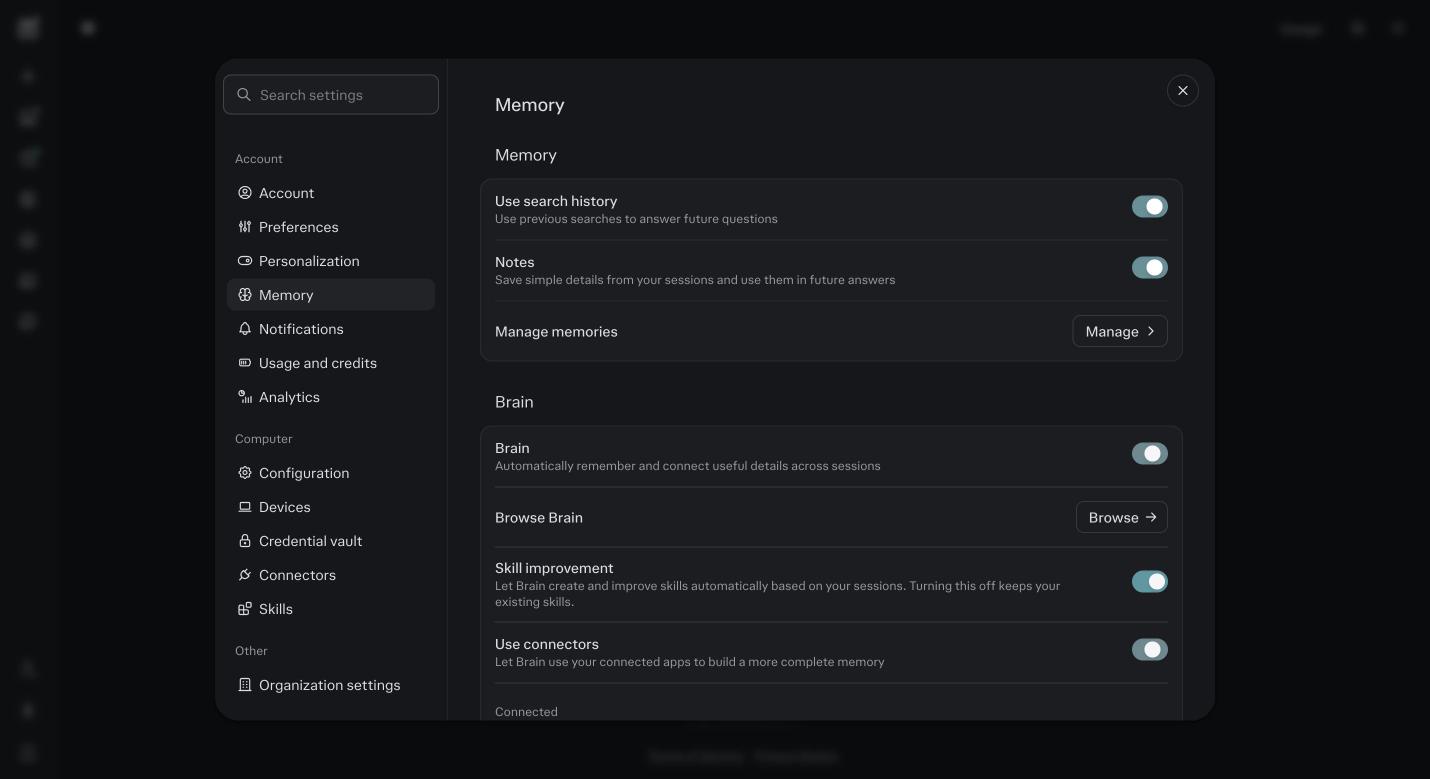
Settings, then Memory. Memory switches on top, Brain switches under them. All on. Click Notifications.
Turn on email and push for task completion and for approvals. Agents that stop and wait for your yes reach you here.
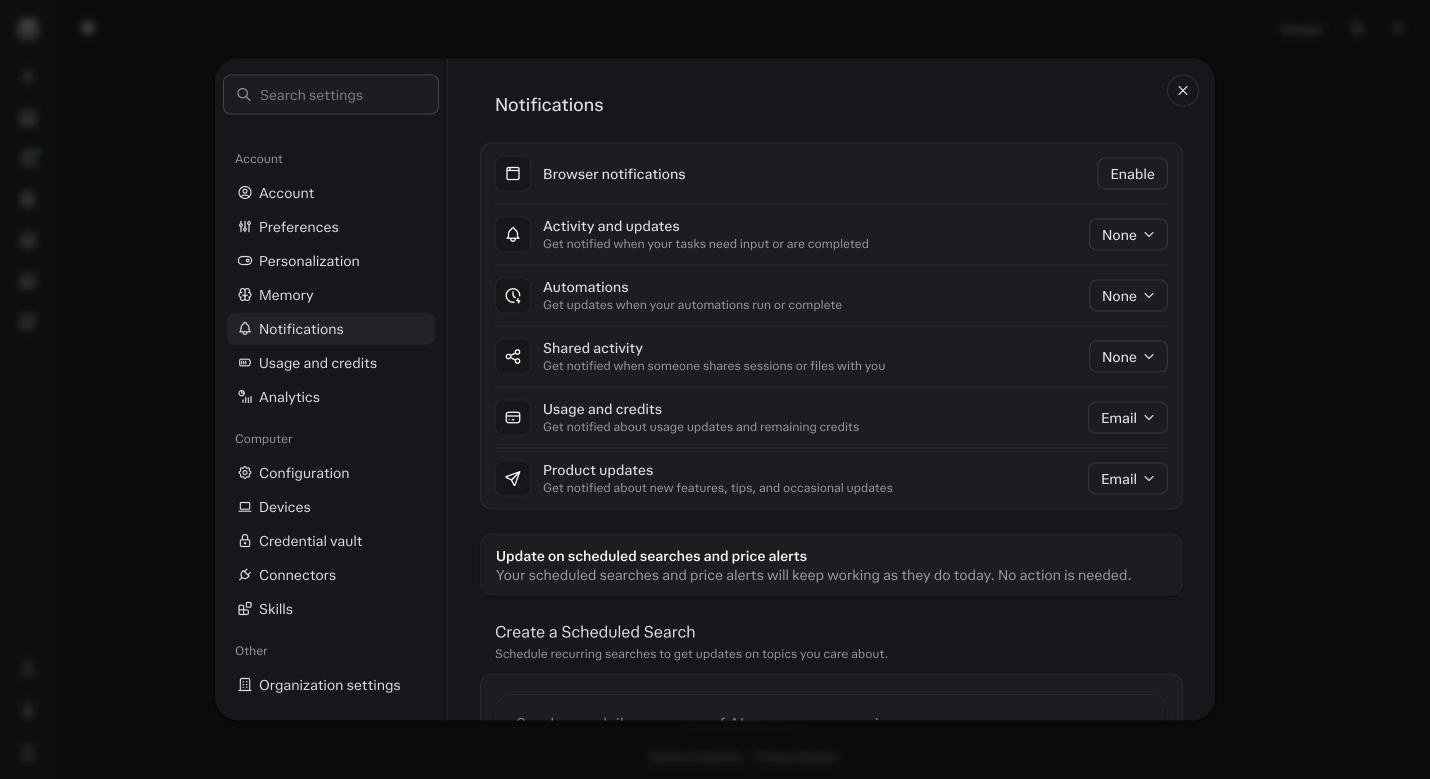
Notifications. Approvals and finished tasks reach you by email, push, or both. Click Configuration under Computer.
Turn on Extended context window. Foundation is a long interview and this keeps more of it in view.
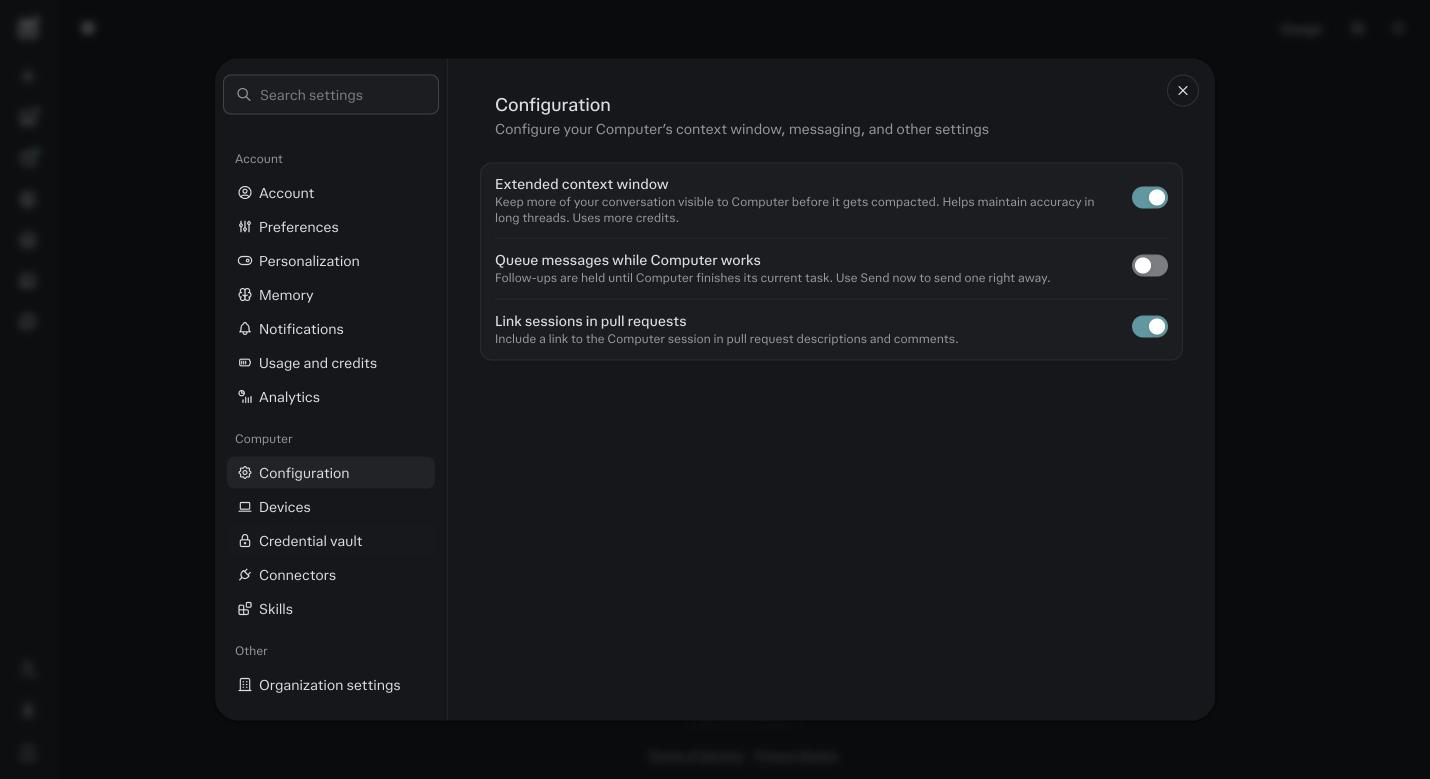
Configuration. Extended context window on. Click Personalization.
In Custom instructions write three short lines: who you are and what you sell, who buys it, how you want it to work with you. Step 5 replaces this with something better. For now, three lines in your own words.
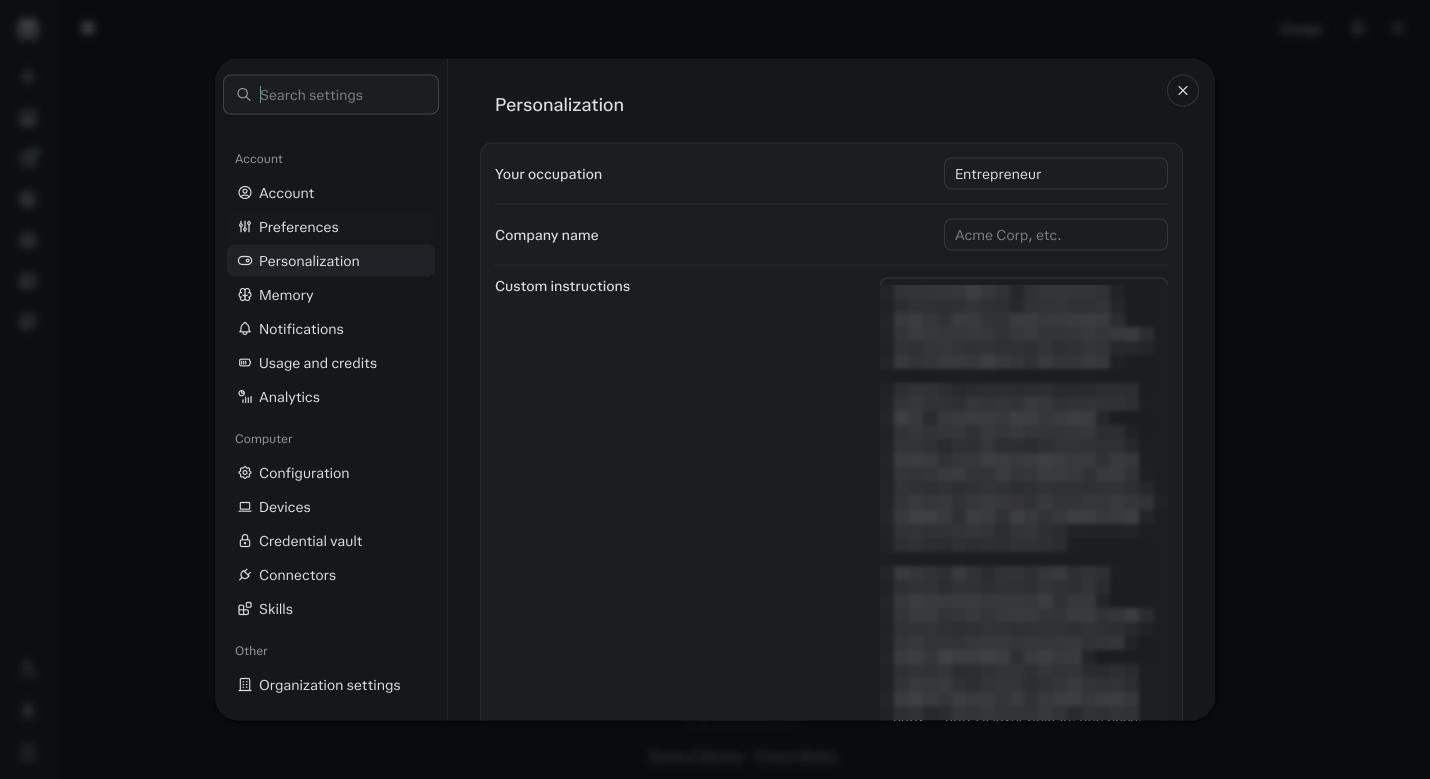
Personalization. Custom instructions are read at the start of every session outside a Project. Look at Usage and credits once so you know where the bill is.
Then close Settings.
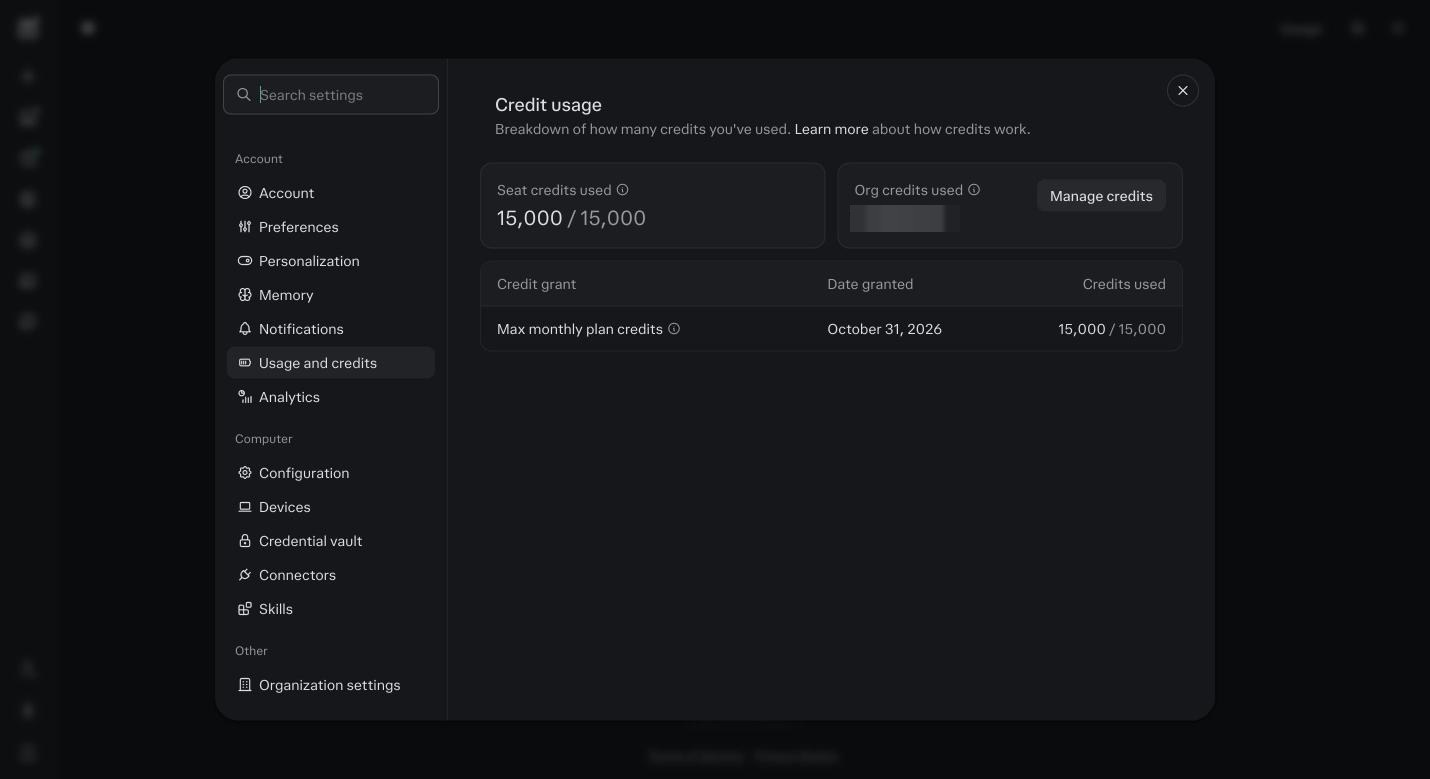
Usage and credits. Seat credits used and the date your grant renews. The full walk through of every setting is in Module 2: Settings.
Before you ask
I do not see Brain.
It is a research preview rolling out gradually to Max accounts. Turn on what you can see and tell us on the call. We check it with you.
Do I need the desktop app or Comet yet?
No. Those come in the follow up after the call. Cloud first.