I put this late on purpose
Up to now you have been working in Perplexity in your web browser, and the agents have been running in the cloud. That stays your main desk. There are three other places Computer can work, and installing them too early eats the time that should go to results. So the agents run first, and then you add these.
Here is the picture
The cloud computer is what you have been using. It is Perplexity’s own machines, running your agents, reading your connected tools through connectors and API keys, on a schedule if you want. It never sleeps and it never needs your laptop open. Everything that can be done there should be done there, because it is the cheapest, the most reliable and the only one that runs while you are away.
Then there are the jobs the cloud cannot do
Three kinds. First, anything that lives on your own machine: a folder of bank exports, your notes app, a desktop program, a file that is not in Drive. For that there is the desktop app, which Perplexity calls Personal Computer. It lets the cloud reach into your Mac or PC, with your permission, folder by folder. Second, anything on a website that has no connector and no API: ordering something on Amazon, filling in a government form, setting up a sequence inside Kajabi, pulling a report from a portal that only has a login page. For that there is Comet, Perplexity’s own browser. The assistant inside it clicks and types the way you would, in your logged in tabs, and hands back to you at a payment or a password. Third, approvals and anything you do away from your desk. That is the phone app.
The question you will ask yourself a hundred times is: which one. The rule is short. If a connector or an API exists, cloud. If the data is on your machine, desktop app. If it only exists behind a website login, Comet. If you just need to say yes, phone. And you can tell Perplexity which one you mean in plain words: do this on my computer, do this in Comet, or use the connector. The table below has the exact phrases and a real example for each.
Do them in this order: desktop app, then Comet, then phone
Each one has a test task. Do not move on until the test passes.
What you do, step by step
Desktop app, download.
Mac needs macOS 15 or later. Windows needs Windows 10 version 1809 or later. Go to the Personal Computer setup page and click Download for your system. Install it and sign in with the same account.
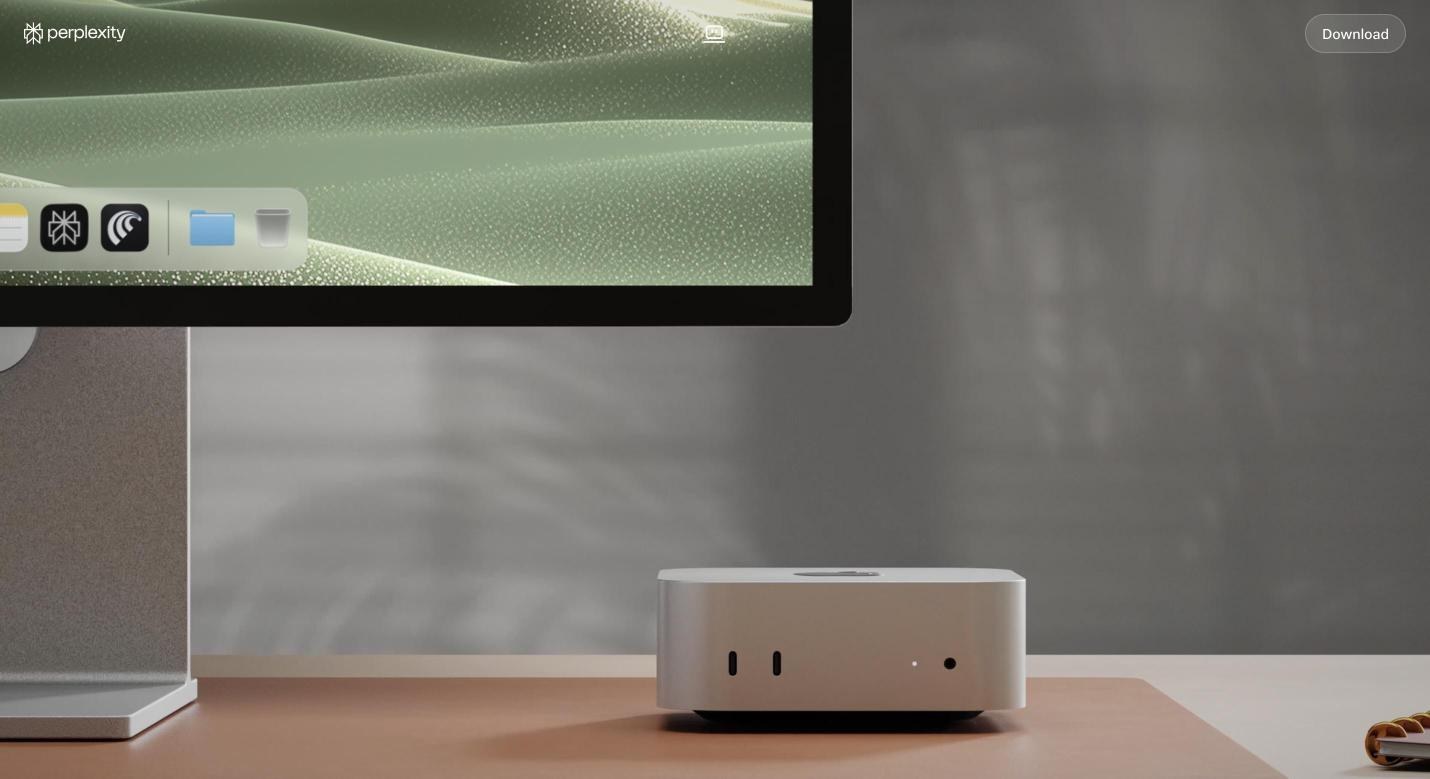
The top of the Personal Computer setup page. Scroll down on the live page for its five step checklist: download, install Comet, allow permissions, connect folders and apps, pair your phone. This module follows the same order. Desktop app, permissions on Mac.
On first launch macOS asks for three things, one dialog each: Accessibility, so it can click and type. Screen and System Audio Recording, so it can see what is on screen. Full Disk Access, so it can read your files. It may also ask for Microphone, and later for Notes, Mail and specific folders the first time it touches them. Approve each. If you miss one, open System Settings, Privacy and Security, and turn it on for Perplexity by hand. On Windows the installer asks once.
Desktop app, folders and apps.
The app asks which folders it may touch. Pick the ones on your map: Downloads, Desktop, the folder your exports land in, the folder your notes live in. It only sees what you choose. Then sign into the apps it should know about when prompted.
Desktop app, confirm the pairing.
Open Settings, then Devices, on the web. Your machine should show as Online. If it shows Offline, the app is not running or not signed in.
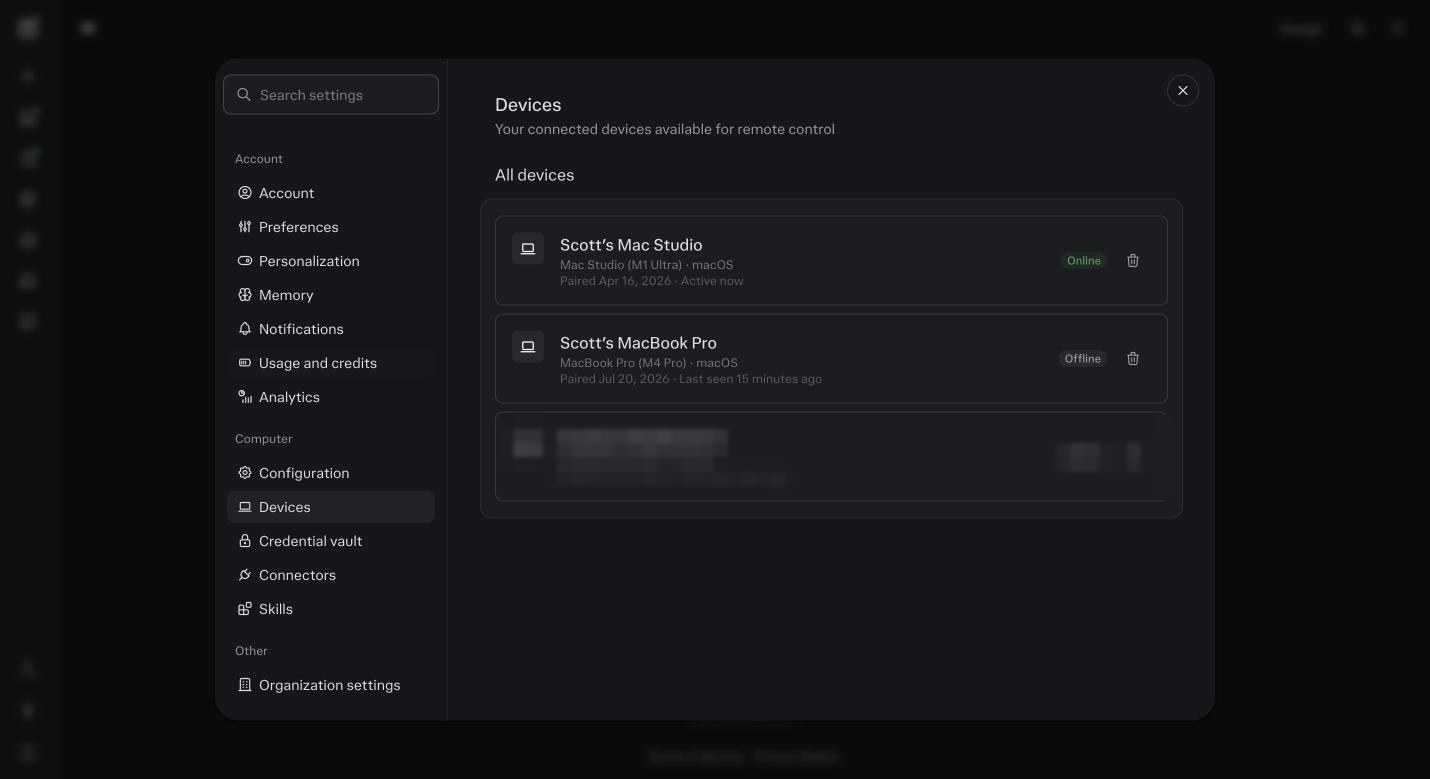
Settings, then Devices. Your machine listed and Online. Mine shows my Mac. Desktop app, test task.
In a session, ask: list the five most recent files in my Downloads folder and tell me what each one is. Real file names back means the desktop surface works.
Comet, install.
Go to the Comet page and download it for Mac or Windows. It is also on iOS and Android, but install the desktop version first. Sign in with the same Perplexity account. When it offers to import bookmarks and passwords from your current browser, say yes. That import is what lets it reach your logged in tools.
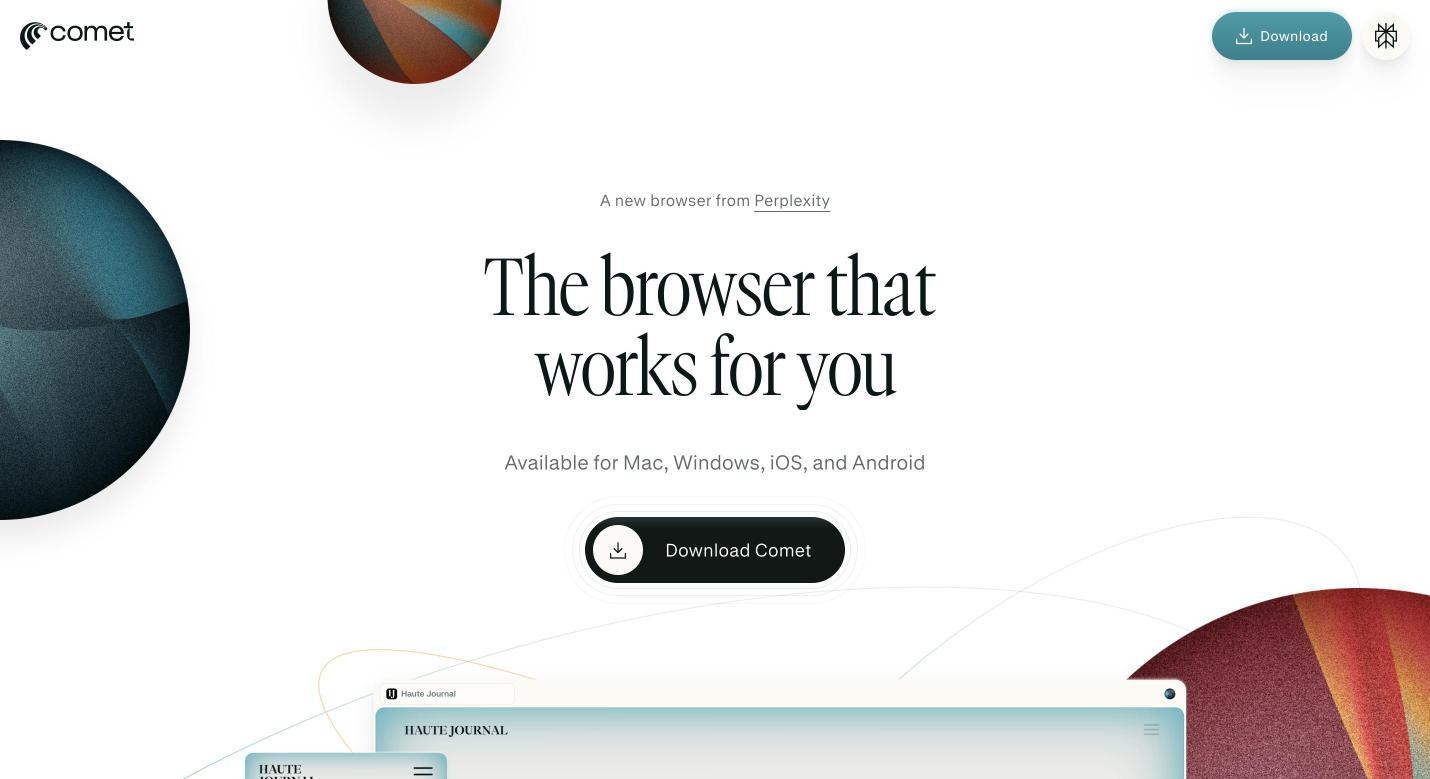
The Comet download page. Mac, Windows, iOS and Android. Desktop first. Comet, log in everywhere.
Open Comet and log into every business tool you want Computer to be able to drive: your email platform, your course platform, your CRM, your bank portal if you want Finance to read statements, Meta Business. Do this once. Comet keeps the sessions.
Comet, test task.
In Comet, open the assistant from the sidebar and say: open my email platform and tell me the open rate on my last three campaigns. Watch it navigate, click and read. If it stops at a login, log in and tell it to continue. A real number back means the browser surface works.
Comet, know the handoff.
Give it a task that ends at a payment or a password change and watch it stop and hand control to you. It will not type a card number. That is by design.
Phone, install and pair.
Install the Perplexity app on your phone and sign in. Turn on notifications when it asks. Open Settings, Devices, on the web and confirm the phone shows. Approvals from automations, two factor prompts from Comet, and sensitive actions from the desktop app all arrive here.
Phone, test task.
From the phone, start a task in your Project: give me a two line summary of what the agents did today. Then from your desk, trigger an approval, like asking the Email Agent to send a test to yourself, and approve it from the phone. Both work means you can run this from anywhere.
Pick your default.
I run a lot of mine from the phone while the desktop does the work. Most people end up with the web app open, Comet beside it, and the phone for approvals.
The Four Surfaces, Side By Side
| Surface | What it can reach | Use it when | How you ask | Real example |
|---|---|---|---|---|
| Cloud computer, the default | Your connected tools through connectors and API keys, your Project files, the web. Runs on Perplexity’s machines, on a schedule, with your laptop closed. | A connector or an API exists for the tool. Almost all agent work, every automation. | You do not have to ask. Just give the job. Or say: use the Gmail connector. | The Operations Agent reads your inbox at 7am through the Gmail connector and drafts replies. You were asleep. |
| Personal Computer, the desktop app | Folders and apps on your own Mac or PC that you allow: Downloads, Desktop, a notes app, a bank export folder, a desktop program. Also local tasks like moving files. | The data lives on your machine and nowhere else. A desktop app has no cloud version. | Say: on my computer, or in my Downloads folder, or open Notes on my Mac. | The Finance Agent reads the bank CSV that lands in your Downloads every Friday, because your bank has no connector, and syncs the books. |
| Comet, the browser | Any website you are logged into, with no connector and no API. It navigates, clicks, types, reads what is on screen, and stops at payments, passwords and two factor codes. | The job only exists behind a login page. A portal, a course platform, a shop, a form. Or an automation inside a tool whose API does not allow it. | Say: do this in Comet, or in my browser, or open Kajabi in Comet and set up. | You say: in Comet, order the two books on my reading list from Amazon to my home address, stop before payment. It fills the cart and hands you the pay button. Or: in Comet, build the welcome automation inside my email platform, because the API cannot create automations there. |
| Phone, the app | Approvals, two factor prompts, starting a task, reading a result. Pairs with the desktop app and Comet for the codes they cannot type. | You are away from your desk and something needs a yes. | Nothing to ask. Approvals arrive as notifications. Tap approve or decline. | The Email Agent asks to load Tuesday’s email. You are at your kid’s game. You read it on the phone, tap approve, it schedules. |
Four Jobs That Need Another Surface, And Why
Order something from a shop
Amazon, a supplier, a print shop. There is no connector, and there should not be one that can spend your money on its own. Comet fills the cart in your logged in tab and stops at the pay button. You press it. That stop is the safety, not a limitation.
Build an automation inside a tool that has no API for it
Most email platforms let an API send a campaign but not build an automation. Kajabi, Kartra, many course tools have the same gap. In Comet, the assistant opens the tool, clicks through the builder the way you would, and you watch it. Say: in Comet, open ActiveCampaign and build the welcome automation from the plan in Project files.
Read a file that only lives on your machine
Bank exports, a desktop accounting program, your notes app, a scanned contract in a local folder. Personal Computer lets the Finance or Operations Agent reach it, folder by folder, with your permission. Say: on my computer, read the bank export in Downloads.
Get through a login, a portal or a form
Government sites, insurance portals, a client’s project management tool you have a login for but no API key. Comet drives them. When it hits two factor, your phone buzzes, you type the code in Comet, and say continue.
Before you ask
Do I need the desktop app if everything is in the cloud?
Only if something on your map lives on your machine: local files, a notes app, bank exports. If every tool you use has a connector, skip it for now.
Is Comet safe with my passwords?
It is a browser, so your passwords live in it the same way they live in Chrome. What is new is the assistant can act in a logged in tab. It stops at payments and passwords and hands back to you, and you can watch everything it does.
Can I use Comet on my phone instead of the Perplexity app?
You can have both, but install the Perplexity app first. It is the one that carries approvals and two factor prompts from your desktop.
How do I tell it which surface to use?
Plain words. On my computer. In Comet. Use the connector. If you say nothing, it uses the cloud and the connectors, which is right most of the time. If it picks wrong, say: no, do that in Comet.
Can a scheduled automation use Comet or my desktop?
Comet tasks and desktop tasks need the machine on and you reachable for logins and codes, so they are not good overnight jobs. Put anything that can run through a connector on the cloud schedule. Save Comet and the desktop for jobs you kick off while you are there.
Will Comet buy things without asking?
It is built to stop at payment and hand you the button. It also stops at passwords and two factor codes. If you want it to go further than that, you cannot, and that is the point.
Which is cheaper, cloud, Comet or desktop?
Cloud through a connector is cheapest, because it reads data directly. Comet is dearer, because it reads screens and clicks, step by step. The desktop app sits in between. Another reason to use a connector whenever one exists.
What if a tool has a connector and a website?
Connector. Always. It is faster, cheaper, and it does not break when the website changes its buttons. Comet is for the gaps.
My links keep opening in Safari.
Make Comet your default browser while you work in Perplexity. Mac: System Settings, Desktop and Dock, Default web browser. Safari is the one browser I stopped using with this, it drops sessions and Comet does not.