Most people never open Settings
Then they ask me why the agent forgot what they told it, or why it keeps writing in a voice that is not theirs. More often than not the answer is a switch on this page that was never turned on.
So here is what we are doing
You open Settings by clicking your name at the bottom left, and it opens one panel with a list down the left side: Account, Preferences, Personalization, Memory, Notifications, Usage and credits, Analytics. Below that is a group called Computer: Configuration, Devices, Credential vault, Connectors, Skills. Do not worry about what all of those mean yet. We only touch the ones that matter today, and the ones about plugging in your tools get their own modules later.
Eight switches, in order, and you do it once. Twenty five minutes.
What you do, step by step
Open Settings.
On the web, click your name at the bottom left of the sidebar, then Settings. The panel opens with Account selected. Confirm your plan reads Max under Your subscription.
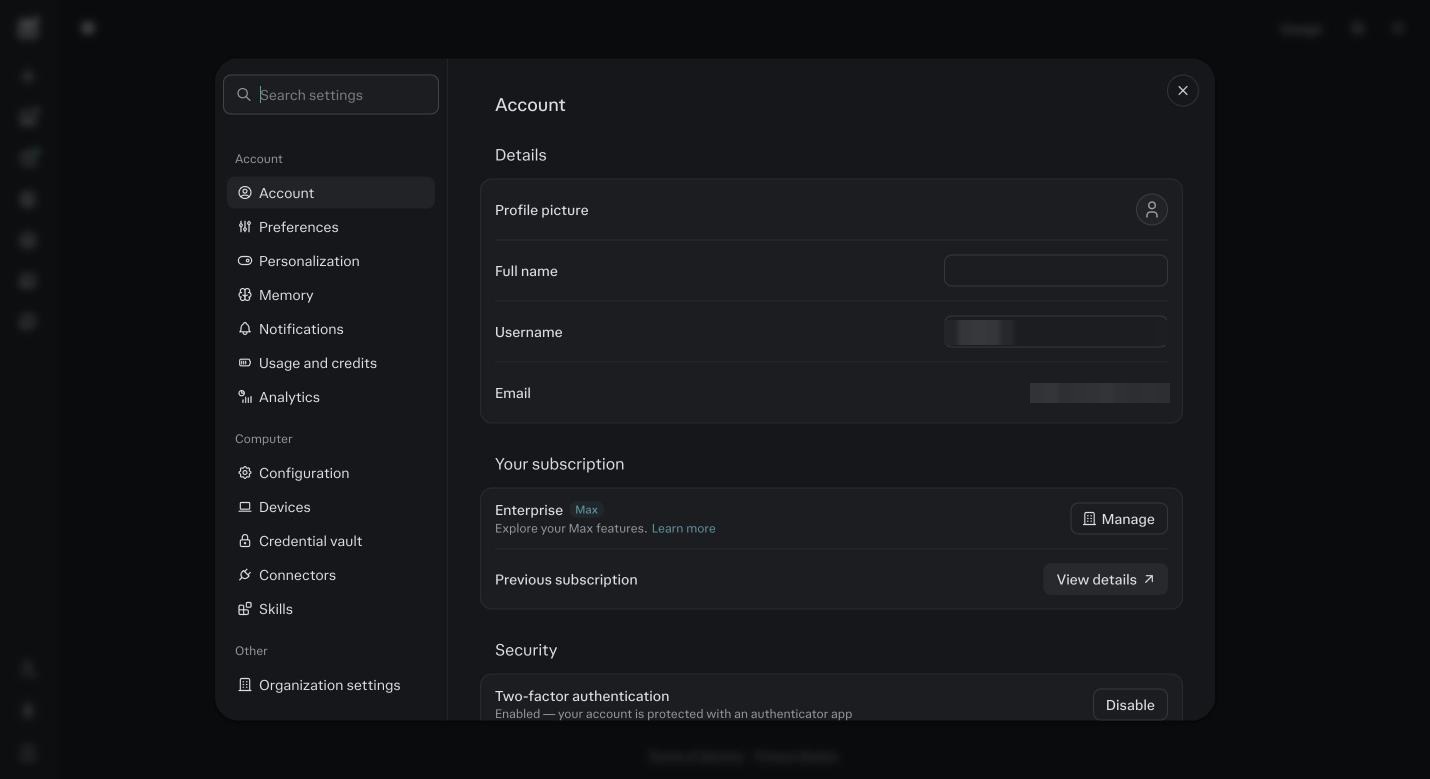
Settings, then Account. The left column is the map for this module. Your subscription should read Max. Click Preferences.
Set your language and your appearance. Leave the default search and answer settings alone. Nothing here changes how the agents work, but it is where people go looking later, so see it once.
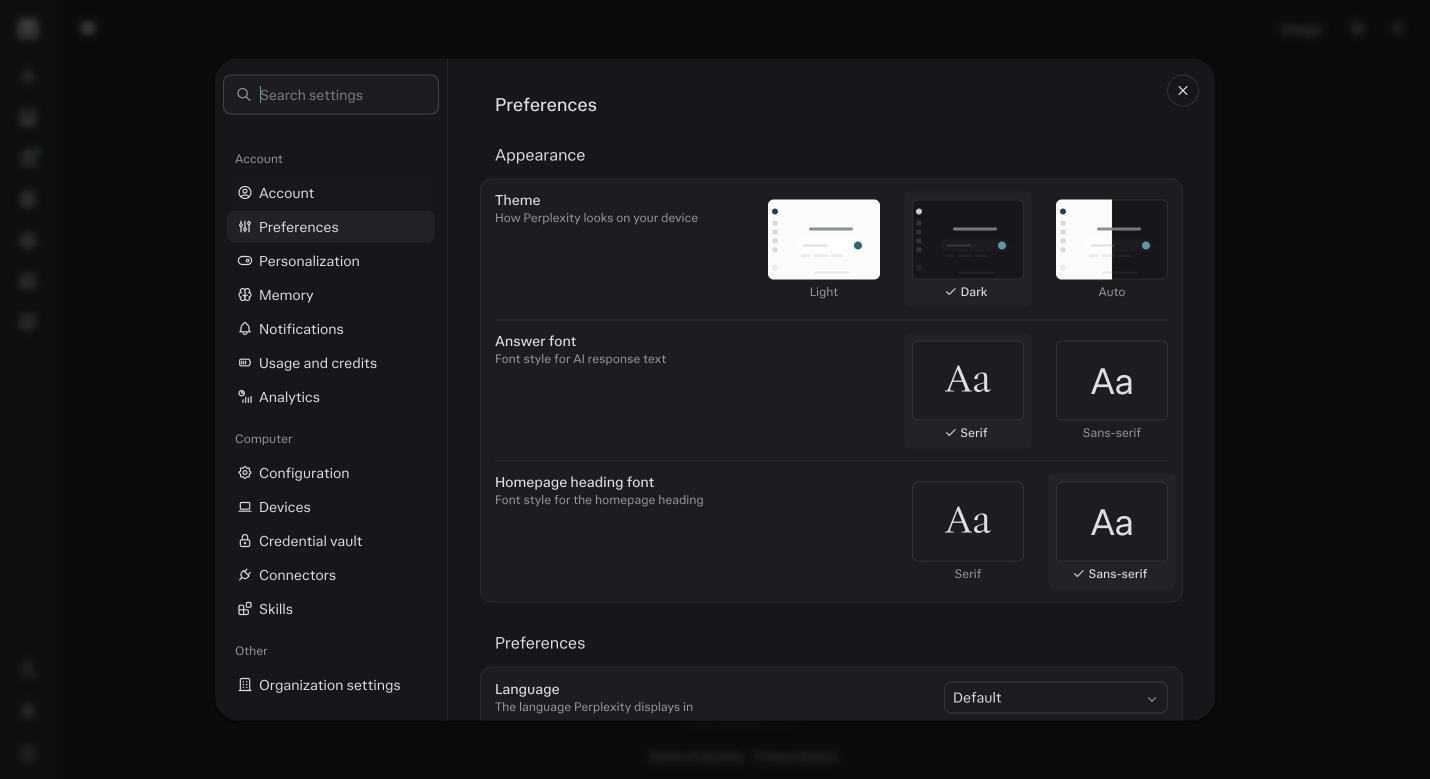
Preferences. Language, appearance and answer defaults. Set language and move on. Click Personalization.
Write your Custom instructions in the text box. Three short lines: who you are and what you sell, who buys it, and how you want it to work with you. If you finish module 5 you will replace this with the block the kit writes for you. For now, three lines, in your own words. Save.
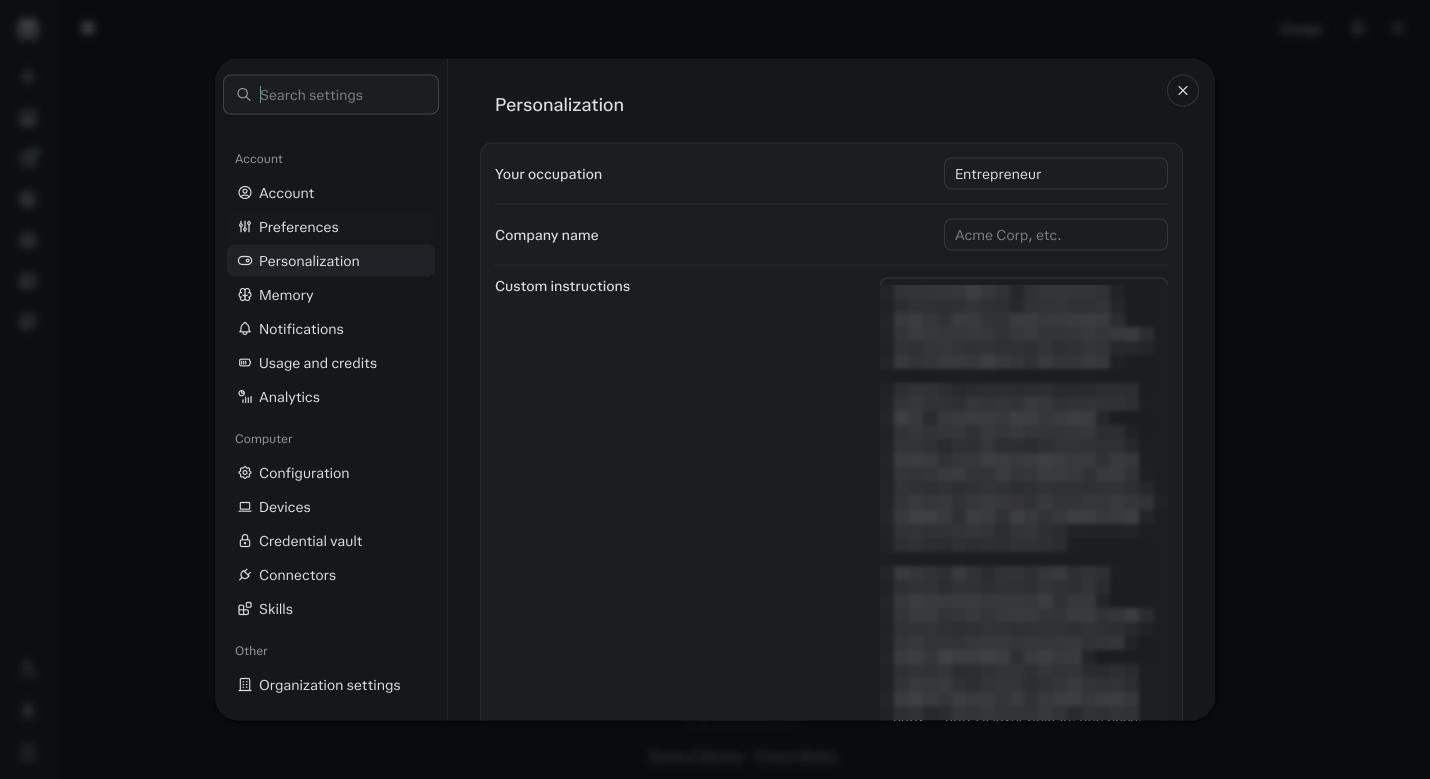
Personalization. The Custom instructions box is read at the start of every session outside a Project. Mine is blurred. Click Memory.
Turn on every switch in the Memory group: search history, notes. Then turn on every switch in the Brain group: Brain, skill improvement, use connectors. If you do not see a Brain group yet, it is a research preview rolling out gradually to Max accounts, come back in a week. Brain is the layer that connects your sessions and reads your connectors to fill in the picture. It is Max only. Without it, every session starts cold.
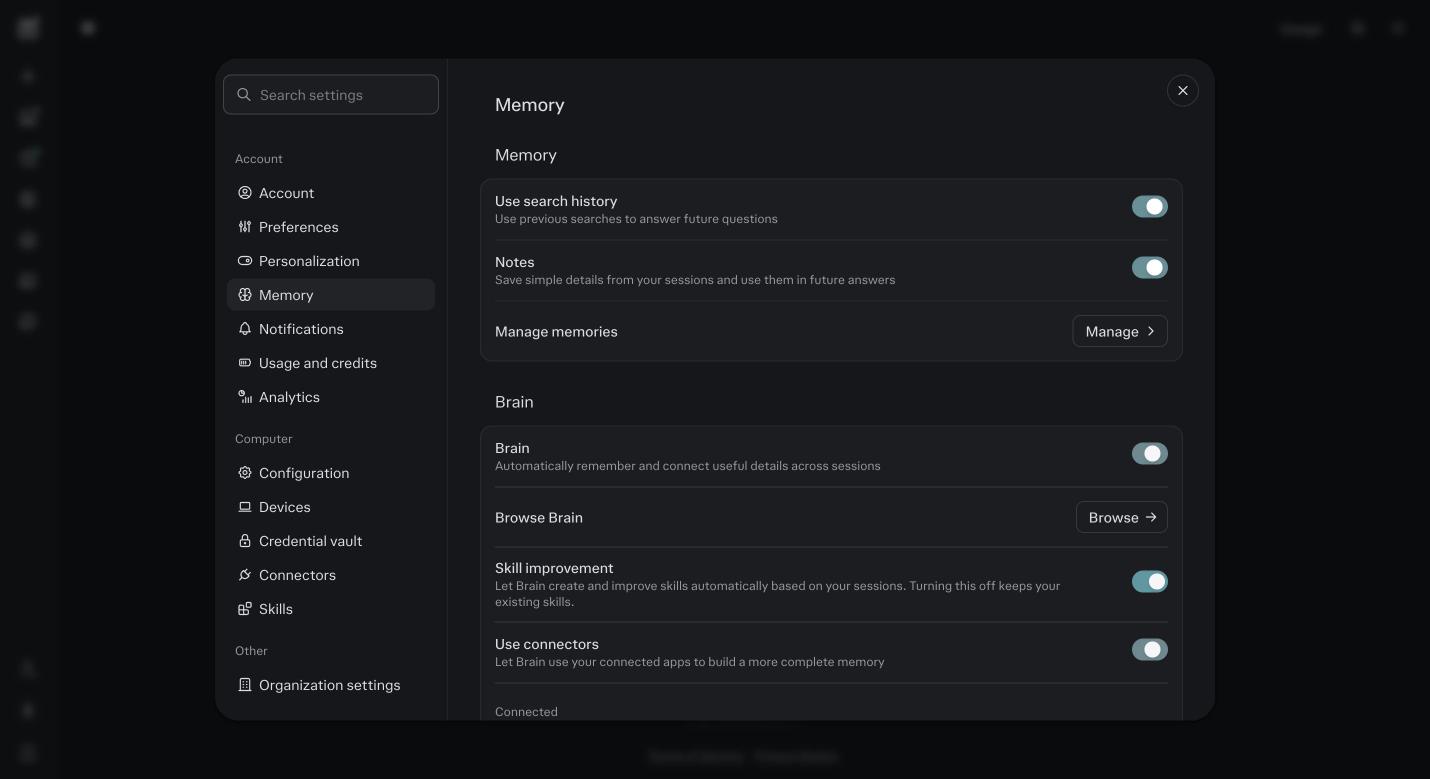
Settings, then Memory. The Memory switches are at the top of the page and the Brain switches are under them. Turn all of them on. Still in Memory, click Manage under memories.
It is probably empty today. Come back here after module 5 to check what the kit seeded, and after week one to delete anything wrong.
Click Notifications.
Turn on email and push for task completion and for approvals. Automations that stop and wait for your yes will ping you here. If you turn this off, a job can sit waiting for days.
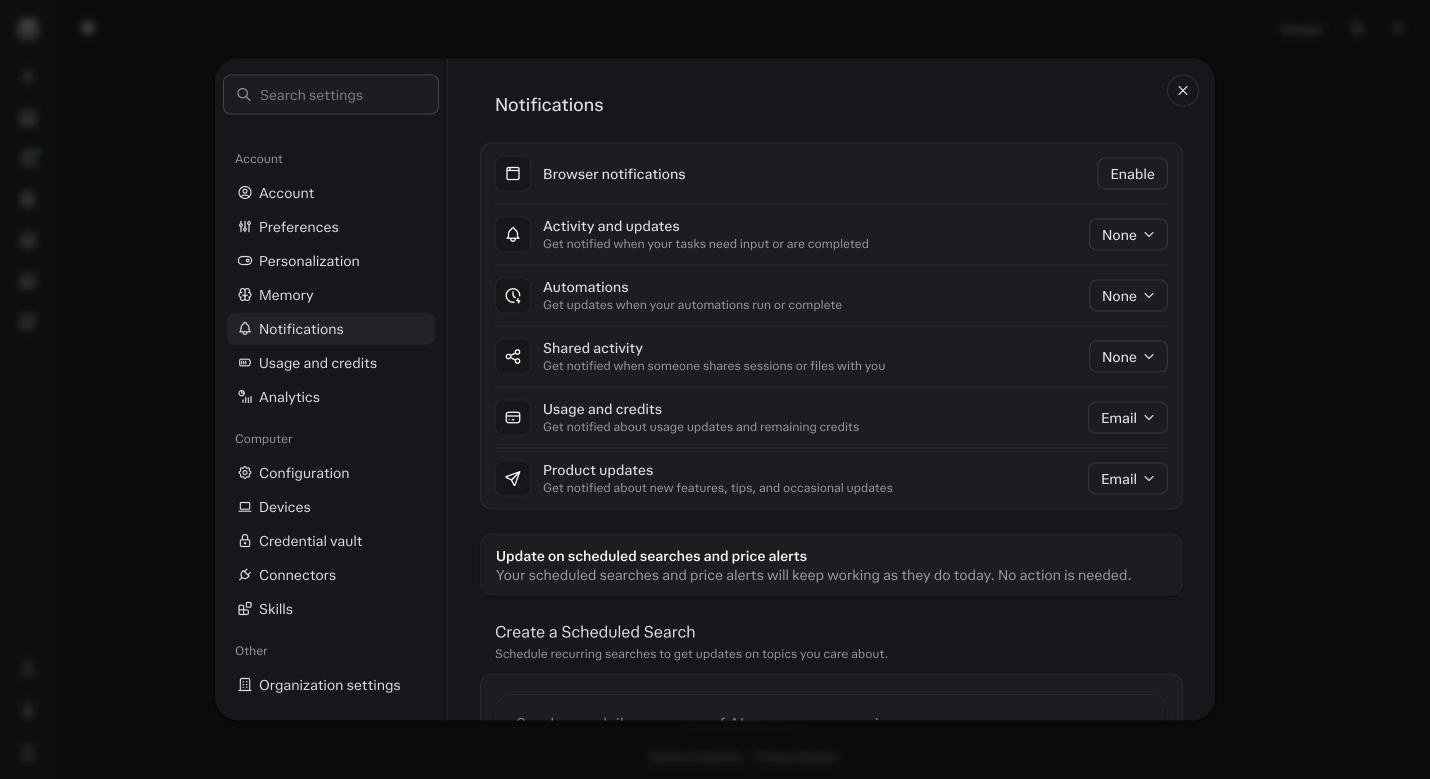
Notifications. Approvals and finished tasks reach you by email, push, or both. Click Configuration under Computer.
Turn on Extended context window. It lets long Foundation and agent sessions keep more of their history in view. It costs more per message, which is why the rest of this course teaches you to keep sessions short, but accuracy on a long interview is worth it.
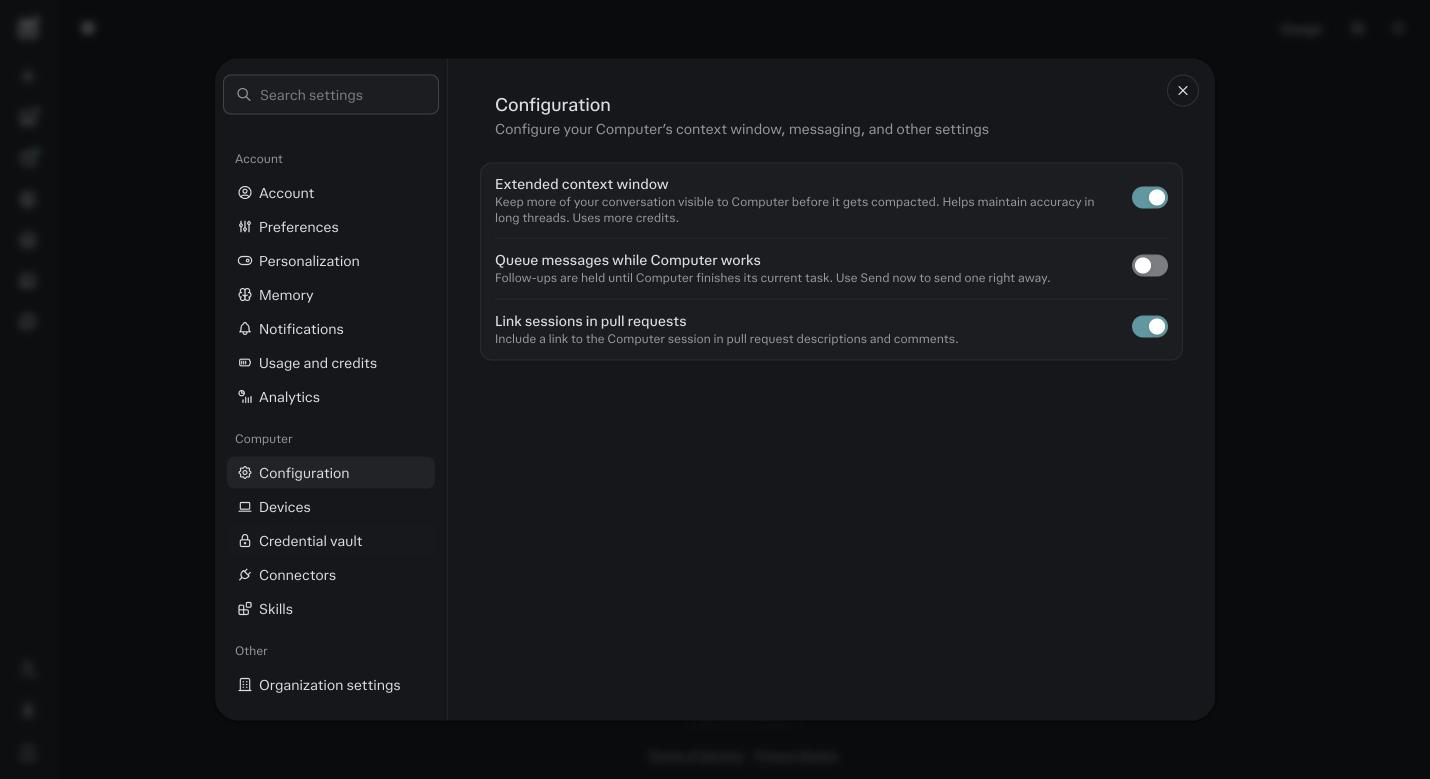
Configuration. Extended context window on. This is the one setting that trades credits for accuracy. Click Devices.
Nothing to do yet. This is where your Mac or Windows machine shows as paired once you install the desktop app in module 16. Know where it is.
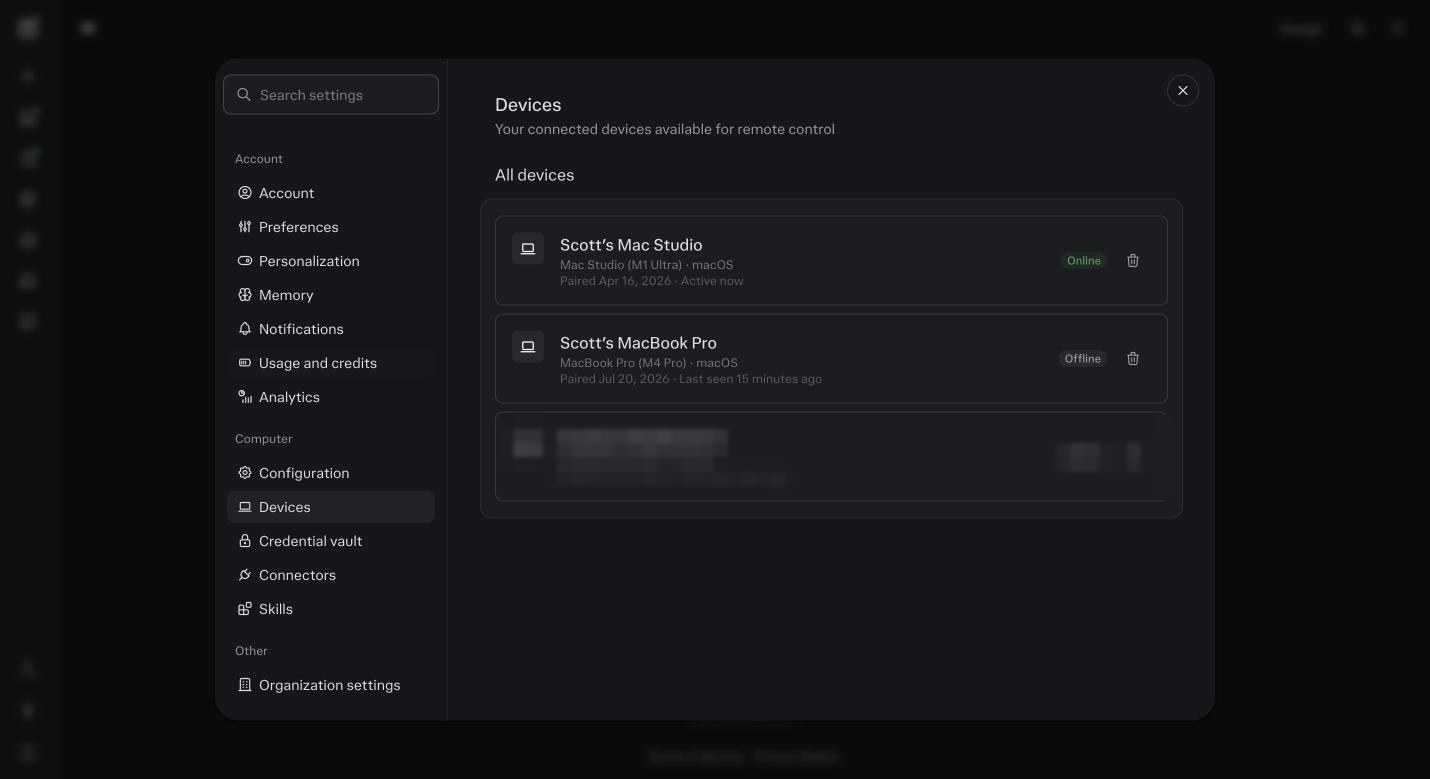
Devices. Empty until the desktop app is installed. Mine shows my machine as Online. Click Credential vault.
Again nothing to do yet. API keys for tools without a native connector live here. Module 4 tells you what to paste and where.
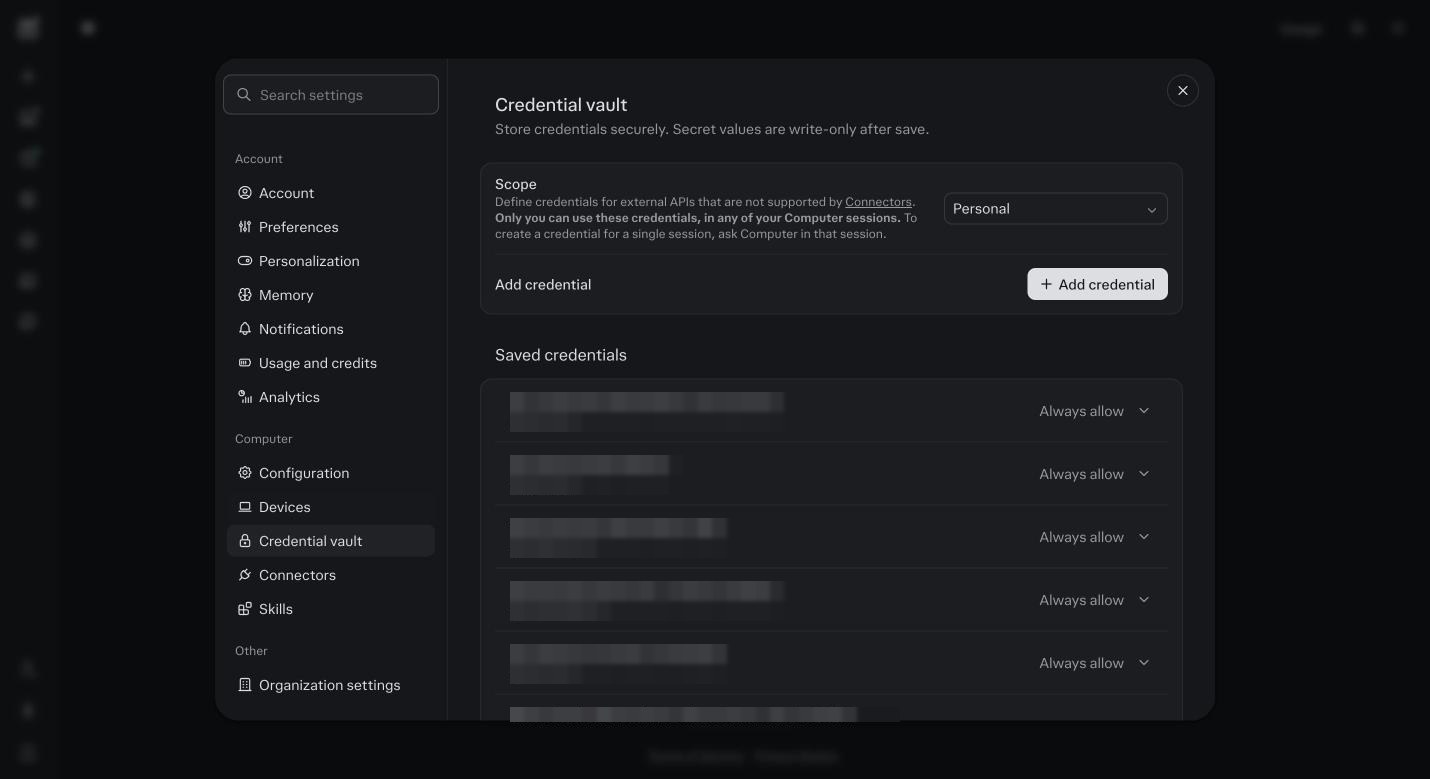
Credential vault. Keys are write only after you save them. Values blurred, these are mine. Click Usage and credits.
Read the two numbers: seat credits used, and the date your monthly grant renews. You will come back here every week in month one.
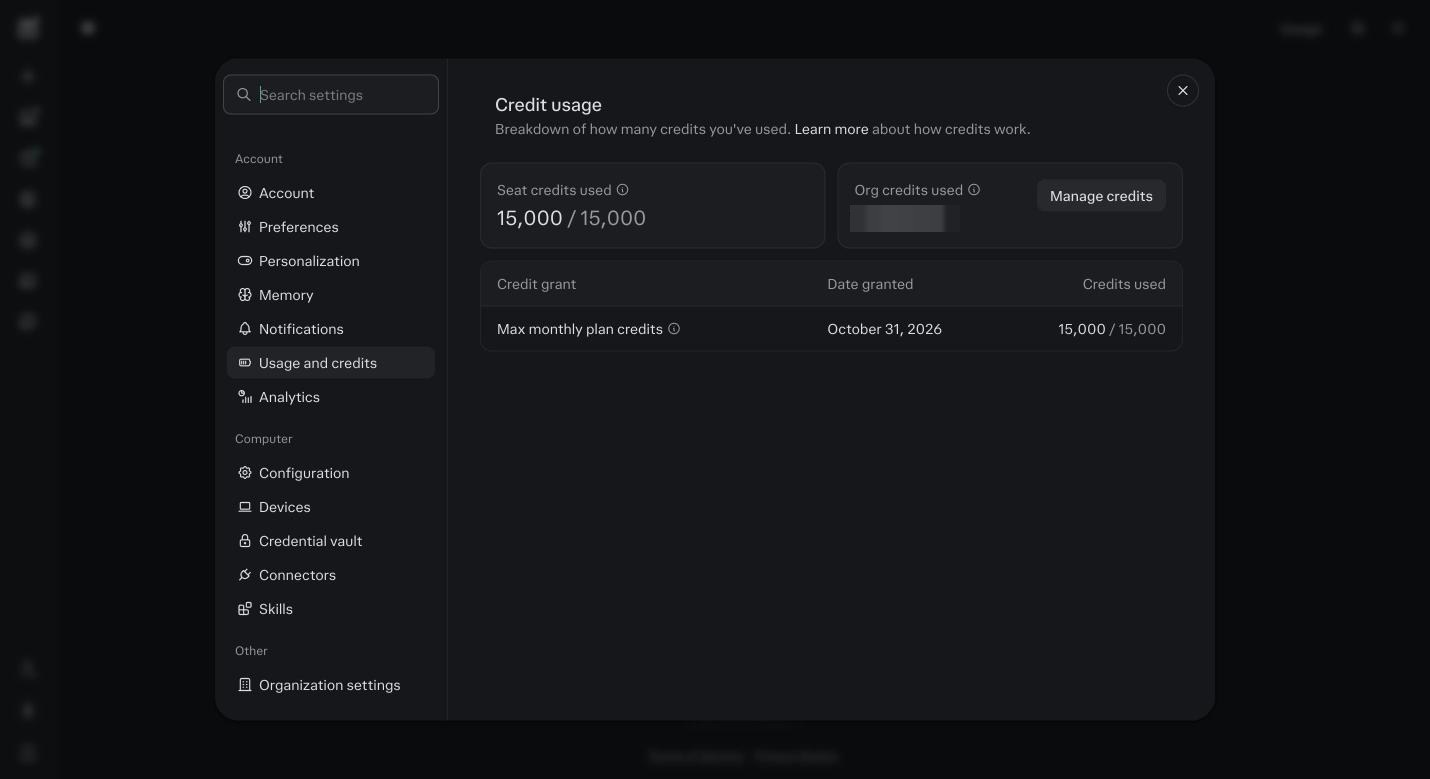
Usage and credits. The bill. Mine shows an organization grant, yours shows the Max grant.
Before you ask
Why turn Brain on if I do not understand it yet?
Because the agents expect it. Brain is what lets a Tuesday session know what you decided on Monday. Turn it on now and by module 14 it has weeks of your work to learn from.
What if my settings page looks different from the screenshots?
It will, sooner or later. Perplexity ships changes weekly. The names in the left column have stayed put, so if a switch has moved, type its name in the search box at the top of Settings.
Will Extended context make everything expensive?
Only long sessions. It does nothing to a short one. Keep one job per session, which this whole course drills, and the extra is small.
What goes in Custom instructions right now?
Three lines. Who you are, what you sell, how you want it to write to you. In module 5 you replace them with a proper block built from your history. Do not write an essay here today.
Should I turn on notifications for everything?
Task completion and approvals, on, for email and push. Everything else, your call. An approval you never see is an automation that waits forever. Module 15 depends on this.
What is the difference between Personalization and Memory?
Personalization is what you tell it on purpose: your custom instructions, your name, how you like answers. Memory is what it notices and saves on its own. You steer both, in different places.
Do I need to do anything under Computer, Configuration today?
Only the switches this module names. Devices, Credential vault, Connectors and Skills each get their own module. Leave them for now.
I turned on a switch and nothing visibly changed.
Right. Most of these are permissions, not features. You will see the effect in module 7 when Foundation remembers you, and in module 14 when you open Memory.